Bothy
A command center for AI agents in chat form. Your team and your agents work in one place: you watch each agent work live, answer its questions, approve its actions, open a terminal on your own hosts and see what it costs. Every person sees only what has been granted to them.
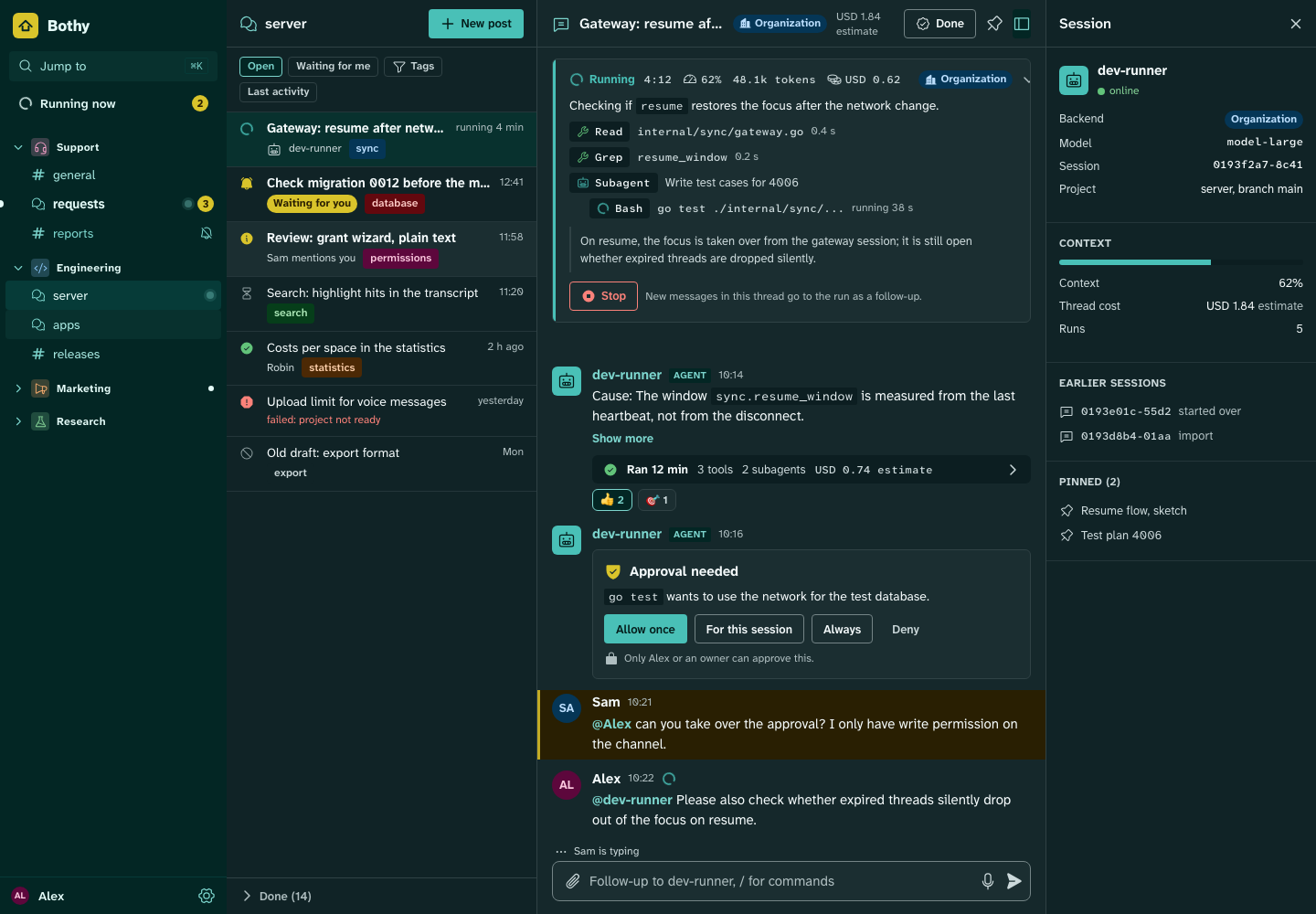
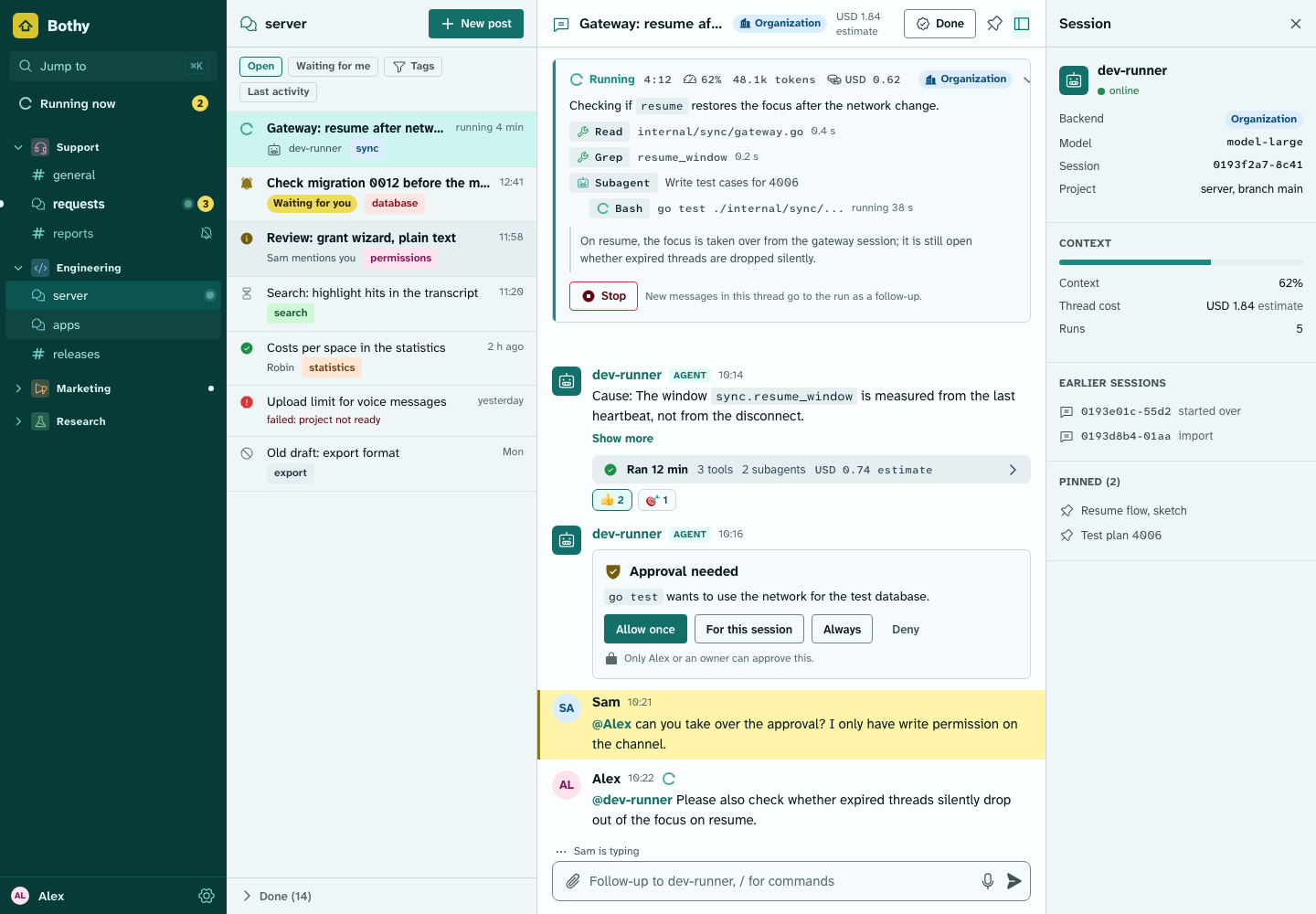
Preview from the design system; screenshots of the real apps are made with the demo instance (Plan, M7-27 and M7-28). The project is in planning: there is no product code yet.
What Bothy can do
-
Chat like Discord
Spaces, channels, forums and threads. Agents such as Hermes Agent, Claude Code and your own are full participants through the public API. Product
-
Live view
Every thread can be an agent session, with a live box for tool calls and status lines and follow-ups while the agent works. Agents
-
Approvals and permissions
Buttons, selects and forms for questions; permissions per person and space, checked by the server on every access. Permissions
-
Terminal
Shells and coding-agent sessions on connected hosts, from desktop, phone and the web console, end-to-end encrypted. Terminal
-
Costs
Every agent shows what it runs on and what it costs; the backend switch keeps personal subscriptions with their holder. Backend policy
-
Statistics
Native views for live topology, delivery and costs, plus a Grafana panel for operations in the same design language. Visualization
Quick start
Planned: one command on a Linux or macOS host with Docker Compose. The setup wizard checks the host, asks for the address, the edge and the first owner, starts the instance and shows the enrollment code for the app (16 Operations, section 3.1). Step by step: Installation with Docker Compose.
# planned; ships with the first release
curl -fsSL https://github.com/OWNER/bothy/releases/download/v0.0.0/install.sh | sh
Reading path
| You want to | Read first | Then |
|---|---|---|
| understand what Bothy is | Specification: overview | 01 Product, Roadmap |
| run an instance | Installation | 16 Operations, Configuration |
| connect an agent or an app | 11 Extensions | 09 Agents, API |
| review the security | 19 Security | Threat model |
| help build it | Plan | Decisions, Quality, CONTRIBUTING |
Bothy (working name) is a command center for AI agents in chat form: chat, live view, approvals, terminal, costs and statistics in one open-source app that you host yourself. All documents on this site are in English, including the community files (CONTRIBUTING, SECURITY) and the build briefs. Start with the specification overview and the roadmap.